 PSWBDruck

Your blood pressure – simply recorded.
Log blood pressure and pulse in seconds, on your iPhone or Apple Watch. PSWBDruck shows you the trend in charts – for example for your next conversation with your doctor.
Coming soon to the App StoreHow it works
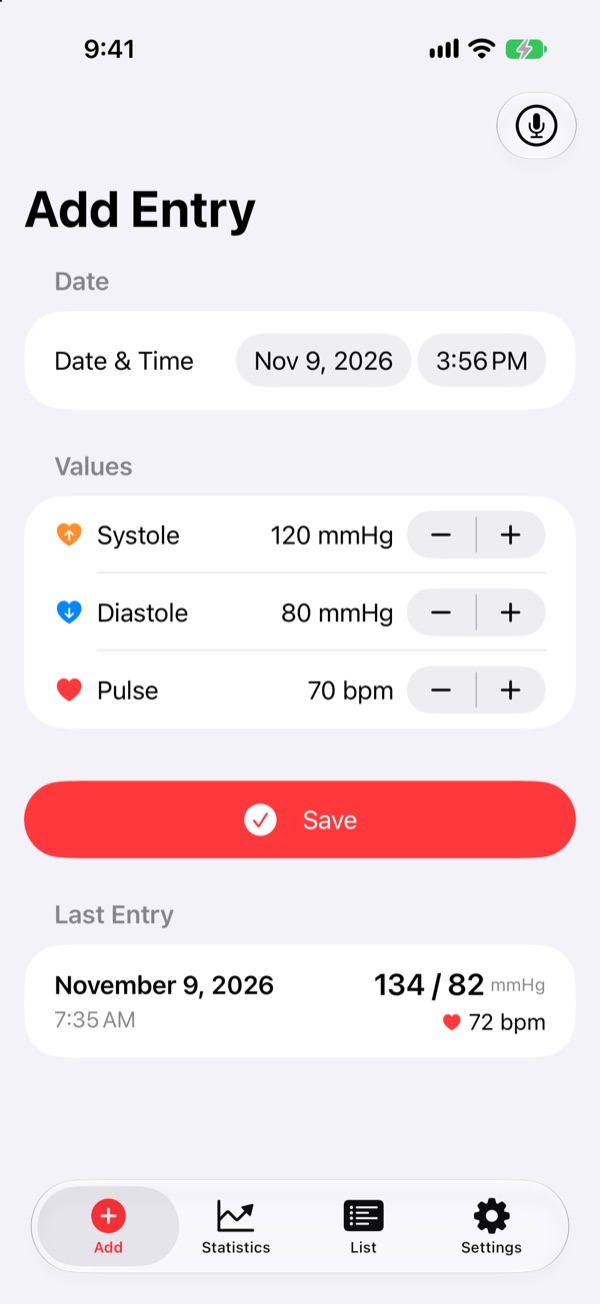
Measure and log
Type or speak systolic, diastolic and pulse – on your iPhone or right on your Apple Watch.
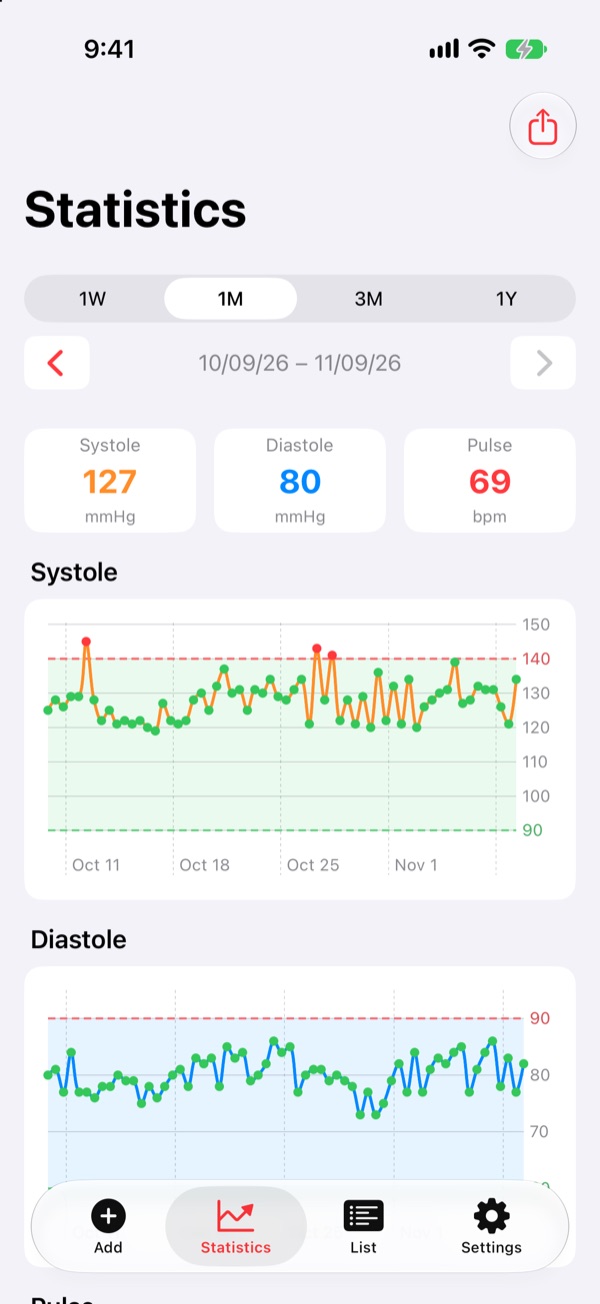
See the trend
Charts show all three values over days, weeks and months, with the average and your limits.
Share if you want to
Save the report as a PDF for your doctor’s office or pass individual values on to Apple Health.
A look inside the app
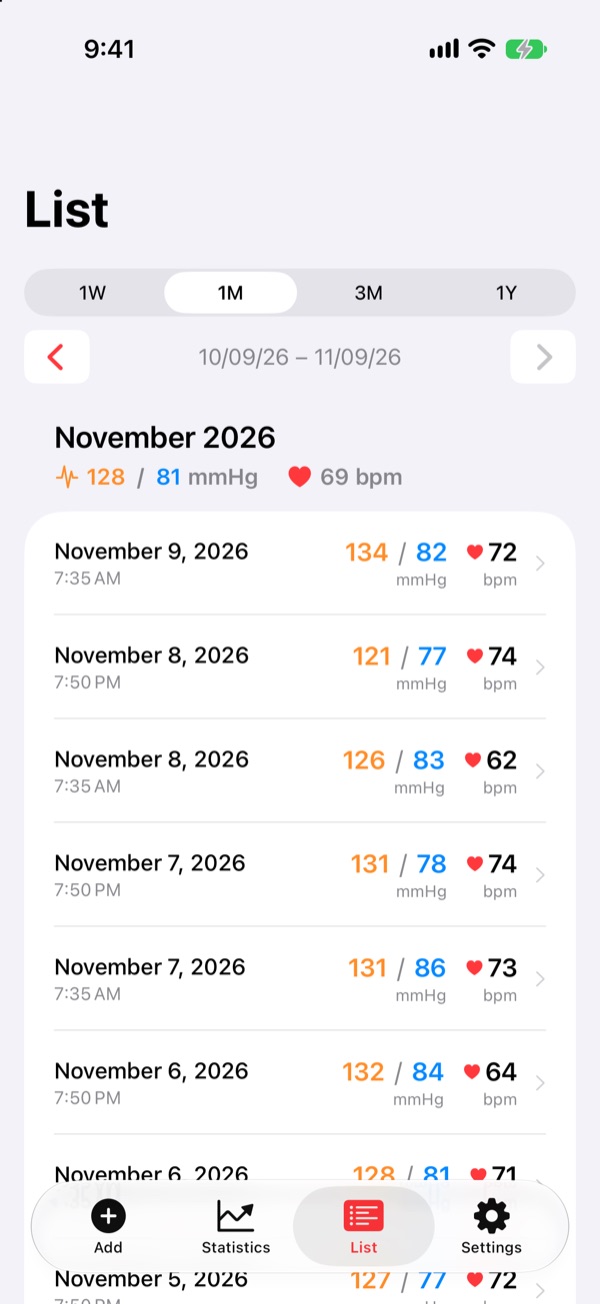
From logging a reading to the trend.
What PSWBDruck can do
Charts for all three values
Systolic, diastolic and pulse, each with its own trend – clear and for any period.
PDF for your doctor’s office
Save the report with charts as a PDF, print it or send it by email.
Apple Health – you decide
For each value you decide yourself whether it goes to Apple Health. You can also take a transfer back.
Apple Watch
Enter values right on your wrist, also by dictation – they arrive on your iPhone immediately.
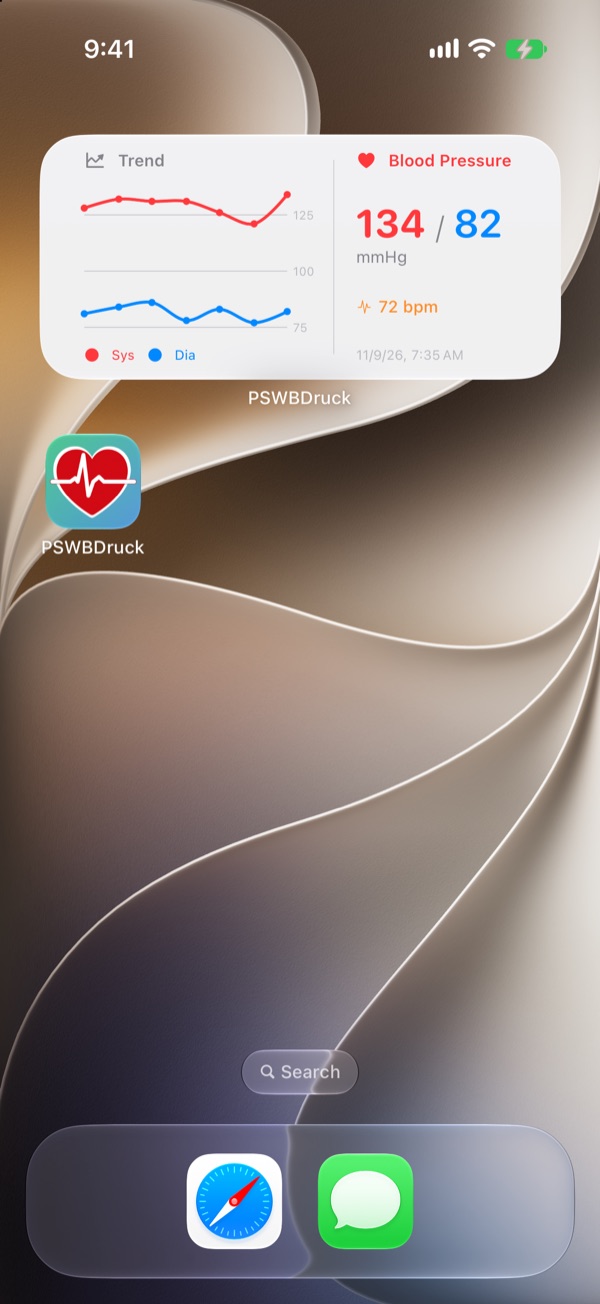
Widget
Your latest values at a glance, on the Home Screen and as a compact widget on the Lock Screen.
On all your devices
Through your private iCloud, your readings are the same on iPhone and iPad.
Health data stays private
No account, no server of my own, no ads, no tracking. Your readings are on your devices, in your private iCloud and – only if you want it – in Apple Health. I have no access to them.
Important: PSWBDruck is a diary for your readings and not a medical device. The app does not measure, does not make a diagnosis and does not replace medical advice. If your values are unusual or you have symptoms, contact your doctor.
Frequently asked questions
Which devices is PSWBDruck available for?
For iPhone and iPad with iOS 26 or later and for Apple Watch with watchOS 26 or later.
Does the app measure my blood pressure?
No. You measure with your blood pressure monitor and enter the values in PSWBDruck.
Do I have to use Apple Health?
No. Apple Health is optional. Without your permission, your values stay in PSWBDruck only.
You will find more answers on the support page.